
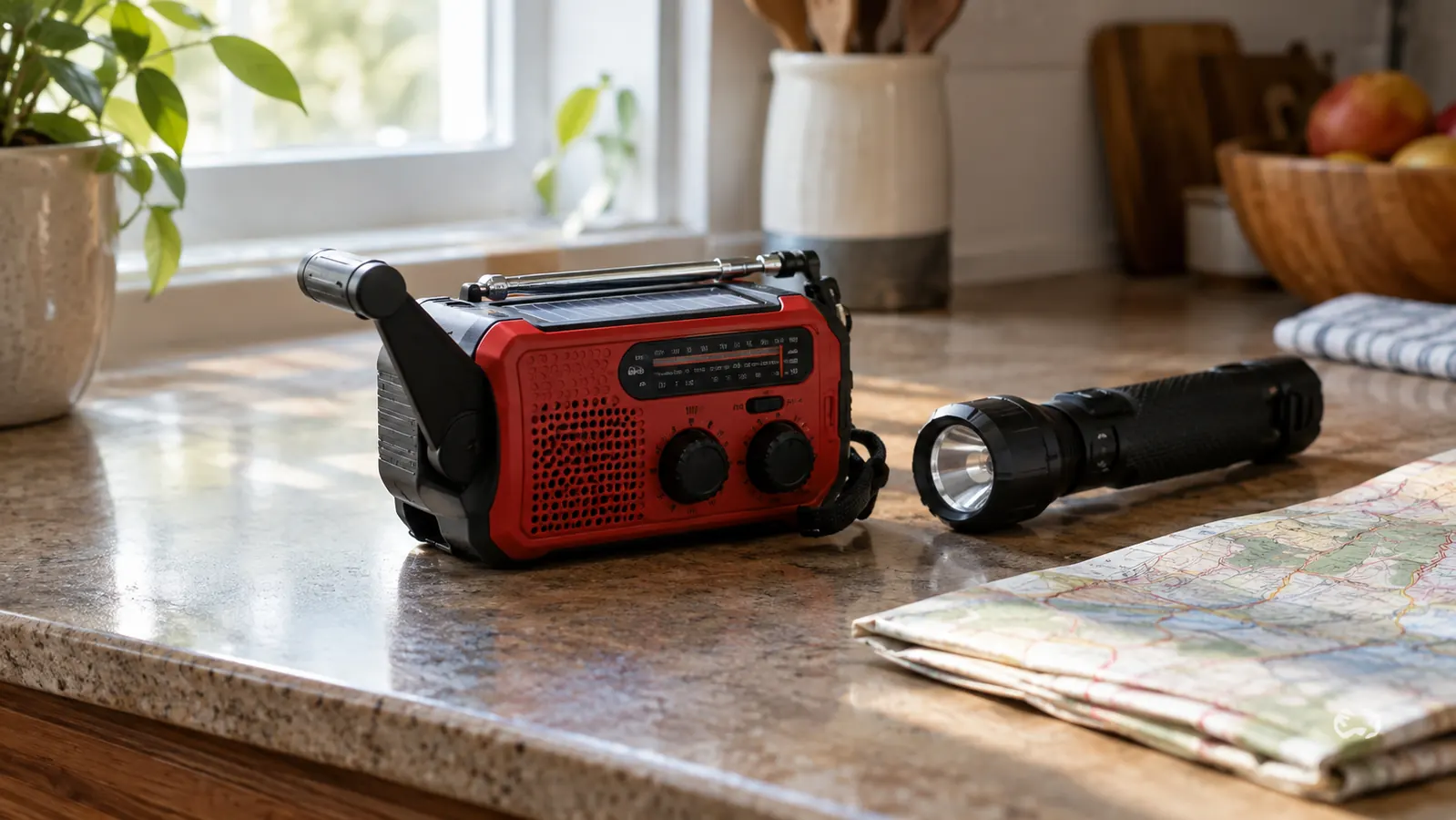
The power went out at 6:14 on a Tuesday night in February. Not a flicker, not a brownout. The whole neighborhood went dark, and the only sound was the wind and the creak of trees I could not see. I am Wade Callister, a retired electrical lineman, and I have spent thirty years restoring power after storms. I know exactly how long people can go without it, and I know that the worst part is never the cold or the dark. It is the not knowing. That is why I keep a FosPower hand crank radio within arm's reach of my recliner, and why I want to show you how to use one before you need it.
A hand crank radio is not a toy and it is not a gimmick. It is a tool that turns your own arm into a power source, and it can pull in weather alerts, news, and emergency broadcasts when the cell towers are down and the internet is gone. But a radio only helps if you know how to set it up, how to charge it, and how to find the right channel. Here is the plain-spoken, tested way to do all of it.
The Radio I Keep by My Recliner
The FosPower NOAA Emergency Weather Radio has been through two ice storms and one long summer outage at my place. It cranks, it charges, it picks up NOAA alerts, and it is ready when I need it. Check today's price on Amazon and see why it earns a spot in so many emergency kits.
Amazon Check Today's Price on Amazon →Step 1: Unpack It and Learn the Controls Before You Need Them
The first mistake people make with an emergency radio is waiting until the storm is on top of them to open the box. Do not do that. Take the FosPower radio out, read the little manual once, and spend ten minutes pressing every button and turning every dial. You want to know what each control does while the lights are on and your hands are steady.
On the FosPower unit, you have a power button, a mode button, a tuning dial, a volume dial, a flashlight, and a reading lamp. There is also a USB port for charging your phone in a pinch. The crank folds out from the side, and the solar panel sits on the back. The first time I unpacked one of these, I did it on a Saturday morning with the manual in my lap and a cup of coffee on the armrest. I set a timer for ten minutes and made myself press every button twice. That is how I learned that the mode button cycles through FM, AM, weather band, and the alert setting, and that holding it down starts the NOAA scan. I also learned that the flashlight has a solid beam and the reading lamp has a softer glow, and I made sure I knew where the USB port was without looking. None of this is complicated, but it is a lot easier to learn on a sunny Saturday afternoon than it is at 2 a.m. with the wind howling.
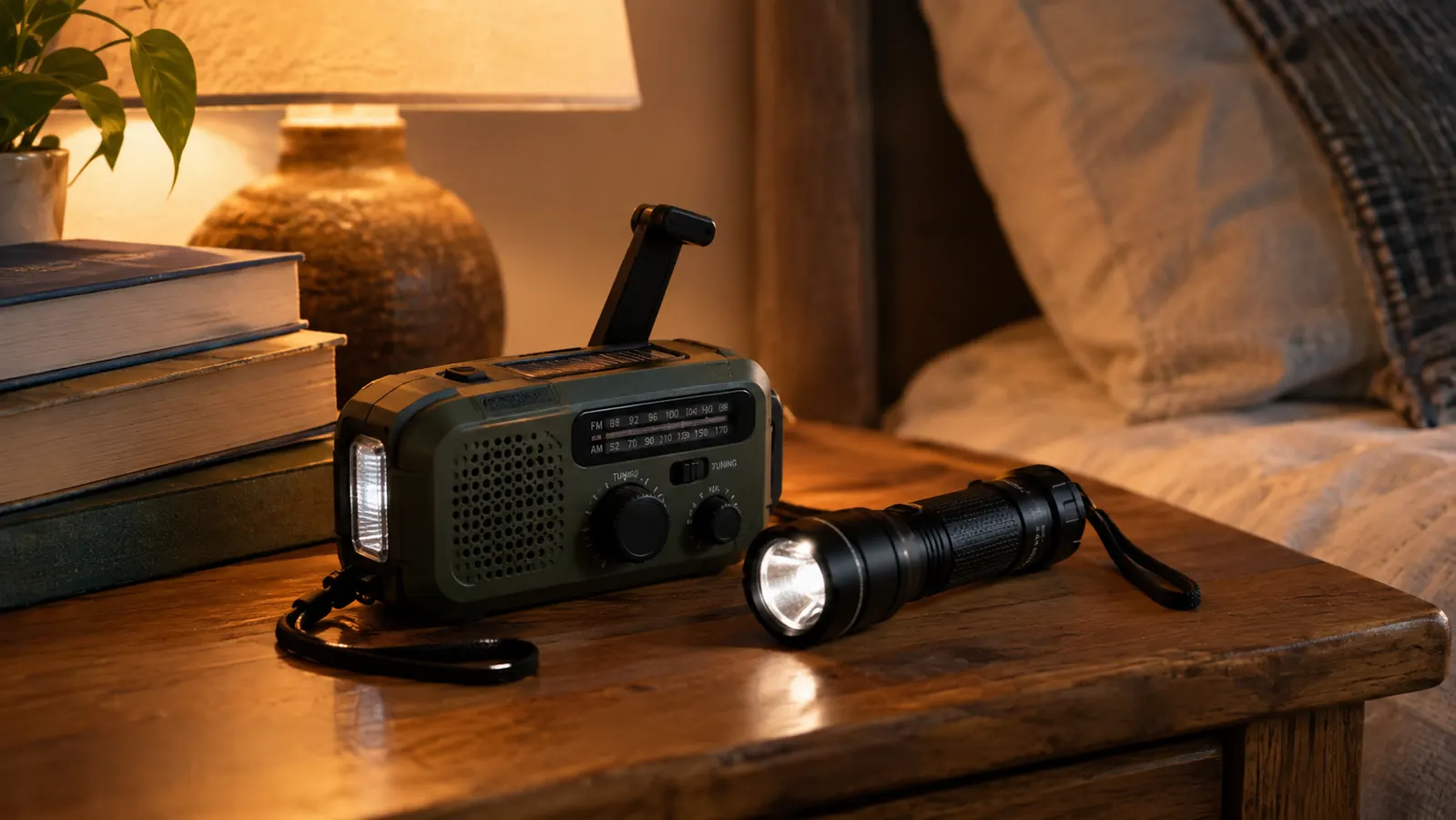
I also recommend putting the radio somewhere you can find it in the dark. Mine lives on the end table next to my recliner, right beside a flashlight. Carol knows where it is, and that matters. If I am not home when the power goes out, she can still grab it, crank it, and get the weather report.
Step 2: Charge It Fully Before the Outage Starts
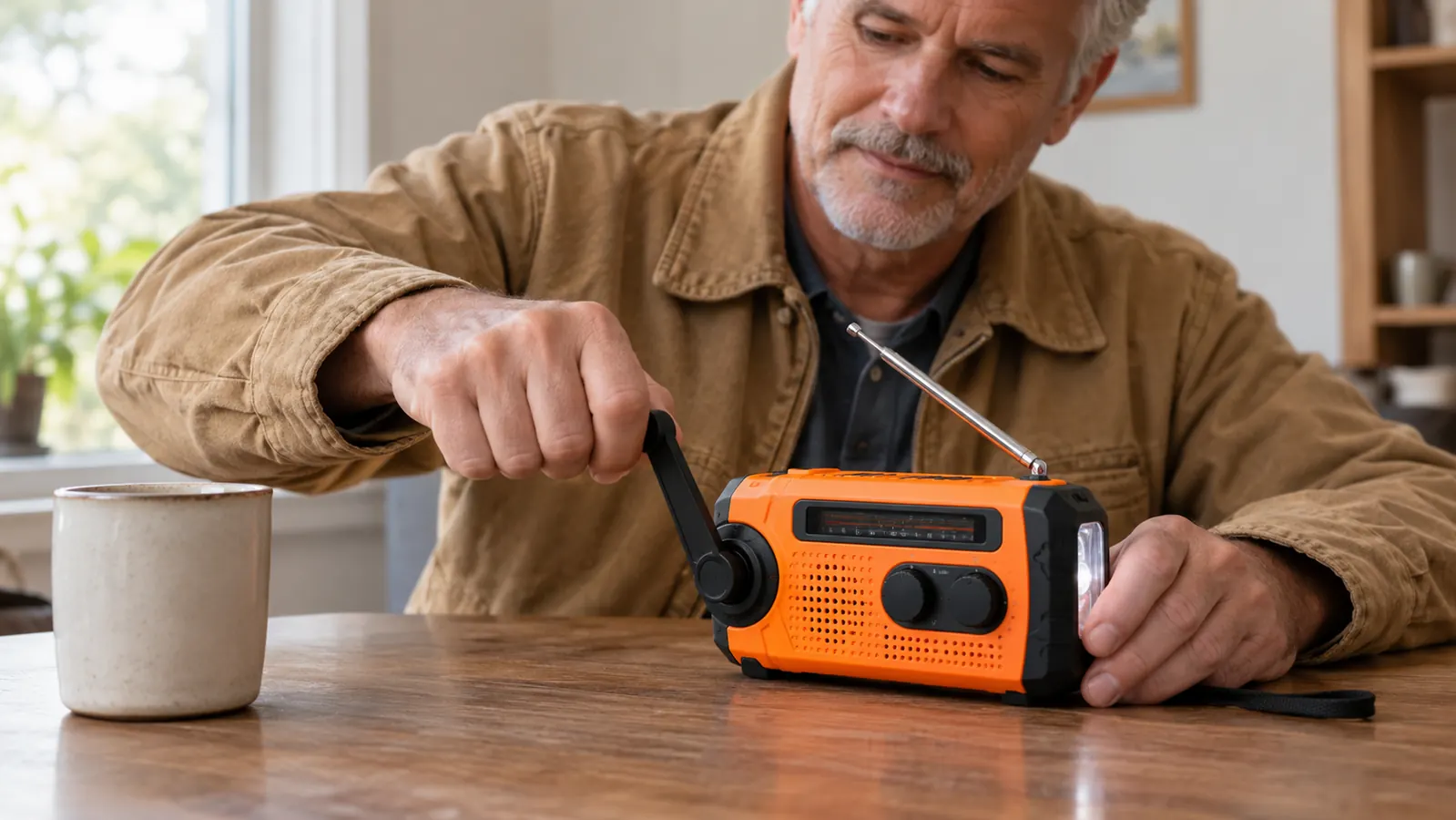
A hand crank radio will run on battery power for a long time, but only if the battery is charged. The FosPower radio has a built-in rechargeable battery, and the first thing I do with any new unit is charge it all the way up. Plug it into a wall outlet for a few hours, let the indicator light tell you it is full, and then leave it alone.
Here is the part most people get wrong: the solar panel is a backup, not a primary charger. It will top the battery off over a day of indirect sunlight, but it is not going to rescue a dead battery in an afternoon. The crank is faster than the solar panel, and the wall outlet is faster than both. When I got this particular unit, I plugged it into the kitchen wall outlet at 7 in the morning and let it charge until the indicator light went solid green around noon. The manual says the 7400mWh battery takes about four hours from empty, and that matched what I saw. I put a sticky note on the radio itself that says 'Check me on the 1st,' and I set the same reminder on my phone. So charge it from the wall before the storm, use the crank to maintain it during the outage, and treat the solar panel as a bonus.
I check my radio's battery level on the first of every month, right along with the smoke detector. It takes thirty seconds. If the indicator shows less than full, I plug it in overnight. That monthly habit is the difference between a radio that works and a radio that is a paperweight.
Step 3: Find Your NOAA Weather Channel and Set the Alert
The most important feature on this radio is the NOAA weather band. NOAA broadcasts continuous weather information from local transmitters, and the FosPower radio can pick those up even when every other signal is gone. But you have to know which channel to use, and that depends on where you live.
NOAA uses seven frequencies, and the radio's weather band will scan through them. The easiest way to find yours is to press the weather band button and let the radio scan. When it lands on a channel with a strong signal, you will hear a voice or a tone. That is your local transmitter. For my house outside Knoxville, the NOAA transmitter is on 162.550, which is channel 7 on the FosPower dial. I wrote '162.550, Ch 7' on a piece of masking tape and stuck it to the back of the radio, because I will not remember it at 3 a.m. During the February outage, I turned the radio on and it was already on the right channel, so I heard the wind advisory within seconds of powering up.
Once you have the channel, set the alert function. The FosPower radio has an alert mode that stays silent until NOAA sends a warning, and then it makes enough noise to wake the dead. I have tested this, and I can tell you it works. The alert is loud, it is unmistakable, and it is exactly what you want when a tornado warning is issued for your county at 4 in the morning.
Step 4: Crank It the Right Way to Keep the Battery Alive
The crank is not a gimmick, but it is also not magic. It generates power while you turn it, and the radio can use that power directly or store it in the battery. The trick is to crank in short, steady bursts rather than trying to fill the battery all at once. Two or three minutes of cranking will give you enough power for a good stretch of listening, and then you can let the radio rest.
I crank for about three minutes, listen for twenty or thirty minutes, and then crank again. That rhythm keeps the battery topped up without turning your arm into a workout. During the February outage, I kept a small notebook next to the radio and wrote down the time each time I cranked. Three minutes of cranking at 6:40 got us through the 7 o'clock news. Another three minutes at 7:30 carried us to the 8 o'clock weather update. By the time the power came back at 11:12, I had cranked six times total, and the battery indicator never dropped below half. If you are using the radio to charge your phone, crank for longer, because a phone draws a lot more power than the radio itself. And do not crank while the radio is plugged into the wall, because that does nothing useful.
One more thing: the crank folds flat against the side of the radio when you are not using it. That keeps it from snagging on things in your bag, and it means the radio packs down small enough to fit in a glove box or a go bag. I keep a second FosPower radio in my 2012 Tacoma, and it has been there for two years without a problem.
Step 5: Use the Flashlight, the Reading Lamp, and the Phone Charger
The FosPower radio is not just a radio. It has a flashlight on one end and a reading lamp on the other, and both of them run off the same battery you are already keeping charged. In a long outage, that means you have light without burning through your good flashlights or your phone battery.
The flashlight is bright enough to light your way to the breaker box or across the yard to check on a neighbor. The reading lamp is softer, and it is perfect for sitting at the kitchen table with a book or a deck of cards while you wait out the storm. During the nine-day ice storm outage, the reading lamp sat on the kitchen table for four evenings in a row while Carol and I played cribbage by its light. The flashlight lit the path to the breaker box when I needed to check the panel. I have used both during that outage, and I can tell you they earn their space in the kit.
The USB port is the feature that surprises people the most. You can plug your phone into the radio and get enough power to send a text or make a short call. When Carol's phone dropped to 12 percent, we plugged it into the USB port and got it back to about 40 percent over an hour of cranking in short bursts. It is not a fast charger, and it will not fill a modern phone from empty, but it will keep your phone alive long enough to reach family and let them know you are okay. In an emergency, that is worth more than any other feature on the radio.
What Else Helps
A hand crank radio is the backbone of staying informed, but it works best alongside a few other cheap items. Keep a spare set of AA batteries in the same drawer, because some radios can run on them if the internal battery gives out. Keep a small notebook and a pen with the radio, so you can write down the NOAA channel number and any important information you hear. And keep a laminated list of emergency contacts, because you will not remember phone numbers when you are tired and stressed. I keep mine in a gallon zip bag with the radio, so the list stays dry and the pen stays in one place.
I also keep a portable power bank in the same spot, charged and ready. The radio can charge your phone, but a power bank can charge your phone and the radio at the same time, which gives you more options. None of this has to be expensive. The goal is to have a few tools that work together, so you are never sitting in the dark wondering what to do next.
Two or three minutes of cranking gives me twenty or thirty minutes of listening, and that rhythm has carried us through two ice storms and one long summer outage.
Be Ready Before the Next Storm
You do not need a basement full of gear to stay informed. You need one reliable radio, a charged battery, and the knowledge to use it. The FosPower NOAA Emergency Weather Radio is the one I trust, and it is ready to go to work for you. Check today's price on Amazon and put one in your kit tonight.
Amazon Check Today's Price on Amazon →